How to Install iTV
Follow these 5 simple steps to bypass restrictions.
1
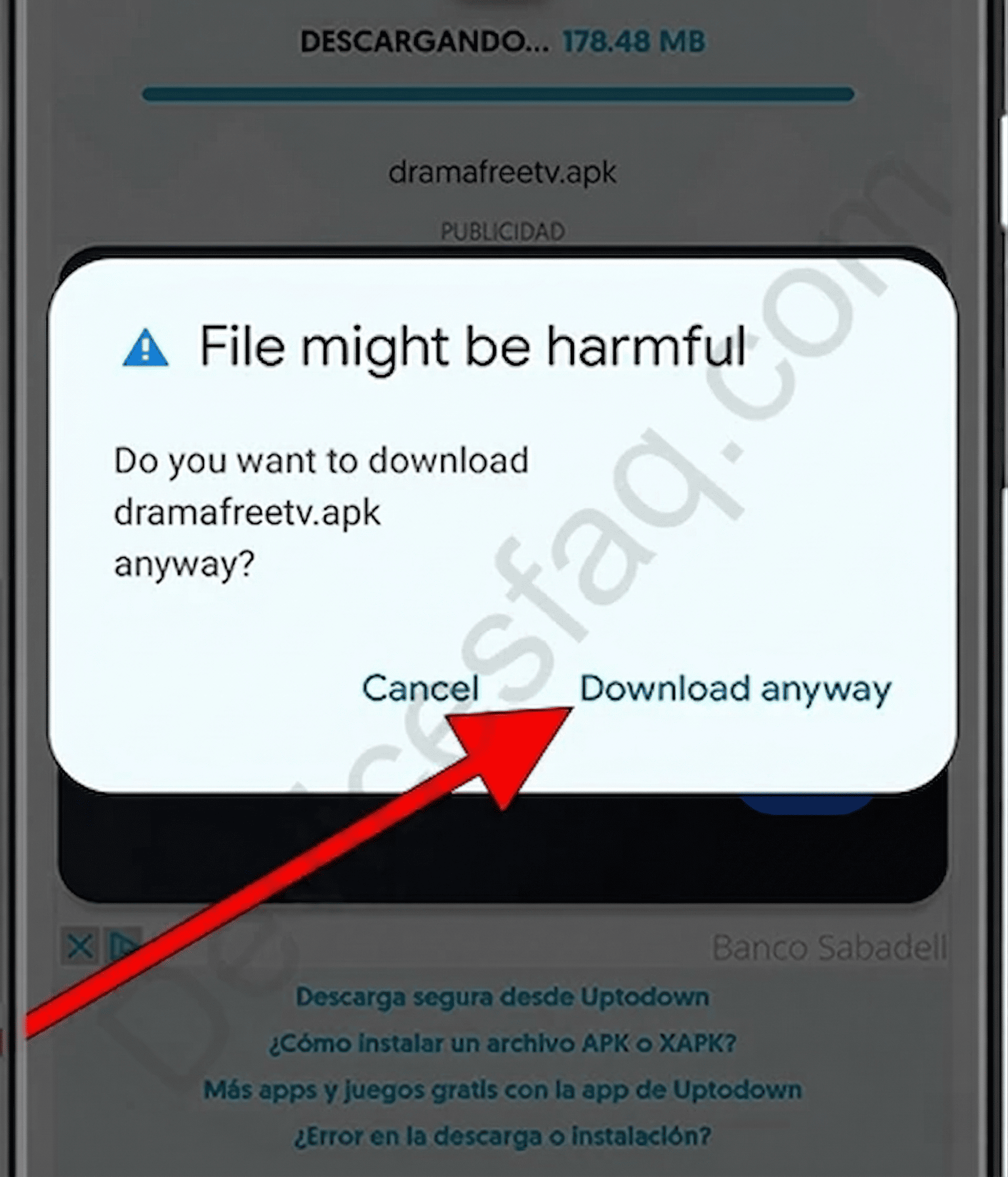
Tap "Download anyway"
If you see a "File might be harmful" warning, ignore it. Our APK is 100% verified and safe for Android.
2
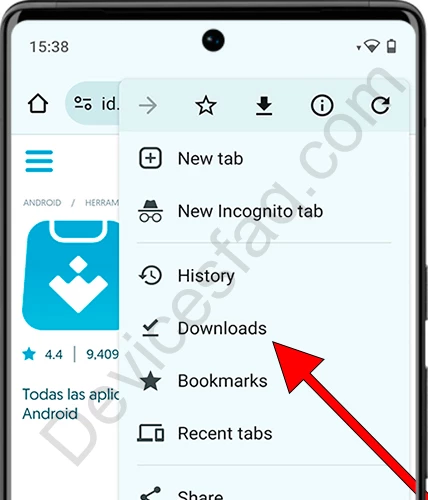
Open Downloads
Open your Chrome menu (⋮) at the top right and select "Downloads" to find the file.
3
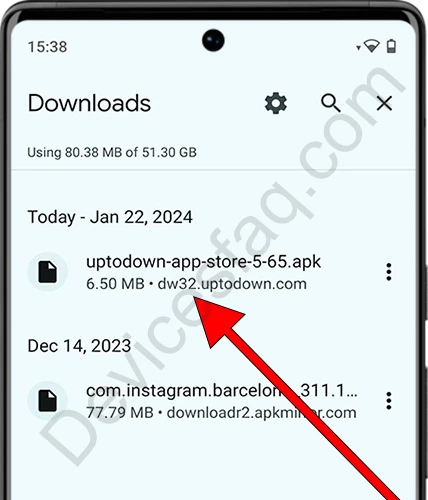
Open the APK
Find and tap on the iTV_Premium.apk file you just downloaded.
4
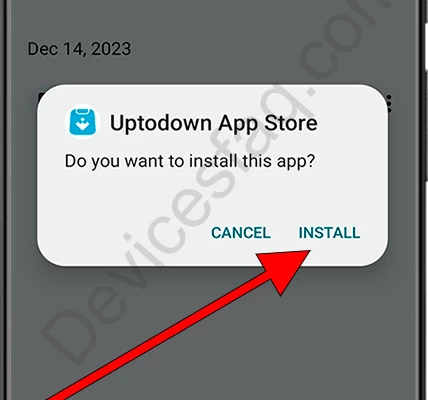
Tap "Install"
Click the "Install" button when prompted by the system to complete setup.
5
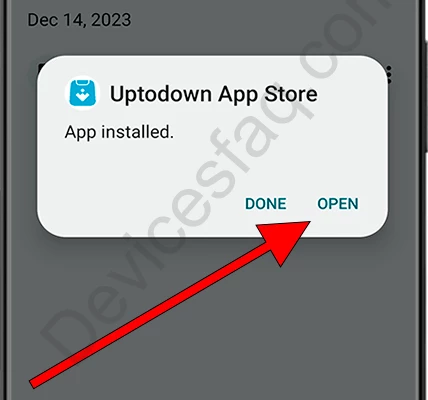
Tap "Open"
Installation successful! Open the app to start watching for free.